Free
$0
2 free 2K images per day
Create or sign in to a free account to unlock 1 extra image, for 3 images per day total.
- Free daily generations are 2K-only
- Daily allowance does not roll over
Start free, then choose the credit balance that fits the way you design.
2 free 2K images per day
Create or sign in to a free account to unlock 1 extra image, for 3 images per day total.
50 credits · one-time purchase
Up to 50 2K images or 25 4K images. Credits are valid for 12 months.
200 monthly credits
Up to 200 2K images or 100 4K images. Unused monthly credits do not roll over.
Checkout is coming soon. Selecting a plan preserves your intent through sign-in, but no payment is simulated in this prototype.
Failed, blocked, or timed-out generations return the reserved credit when the backend ledger is implemented.
Commercial-use terms need owner approval before launch and will be finalized in the Terms route.
An AI bedroom design generator turns a photo of an existing bedroom into a visual redesign concept. You provide the room photo and design direction; the tool uses those inputs to produce a new look while trying to keep the camera angle and fixed architecture recognizable.
The tool reads the visible room structure, your selected style, and the details in your prompt. It then creates a new concept for furniture, color, lighting, materials, and decoration. Clear photos and specific instructions usually make the comparison easier to judge.
The planned free allowance is two 2K concepts per day, with one additional daily concept for a confirmed account. See the free AI bedroom design page for the current limits and the distinction between free 2K previews and paid 4K credits.
Yes. The interface is browser based, so you can open the online AI bedroom design generator on a laptop, tablet, or phone without installing desktop software.
The product is designed to let visitors start with the anonymous daily allowance before creating an account. Account-free use, retention, and deletion rules will be published on the no-login bedroom design page as the production image backend is completed.
The preserve controls tell the model which parts matter, including layout, windows, doors, and flooring. They are preferences rather than guarantees, so compare the output with the original photo and reject any concept that changes fixed architecture in an impractical way.
No. Treat the result as visual inspiration. Confirm dimensions, structural conditions, electrical work, product availability, and local building requirements with qualified people before purchasing furniture or starting construction.
Start from one photo and create a direction made for your space.
Start your redesign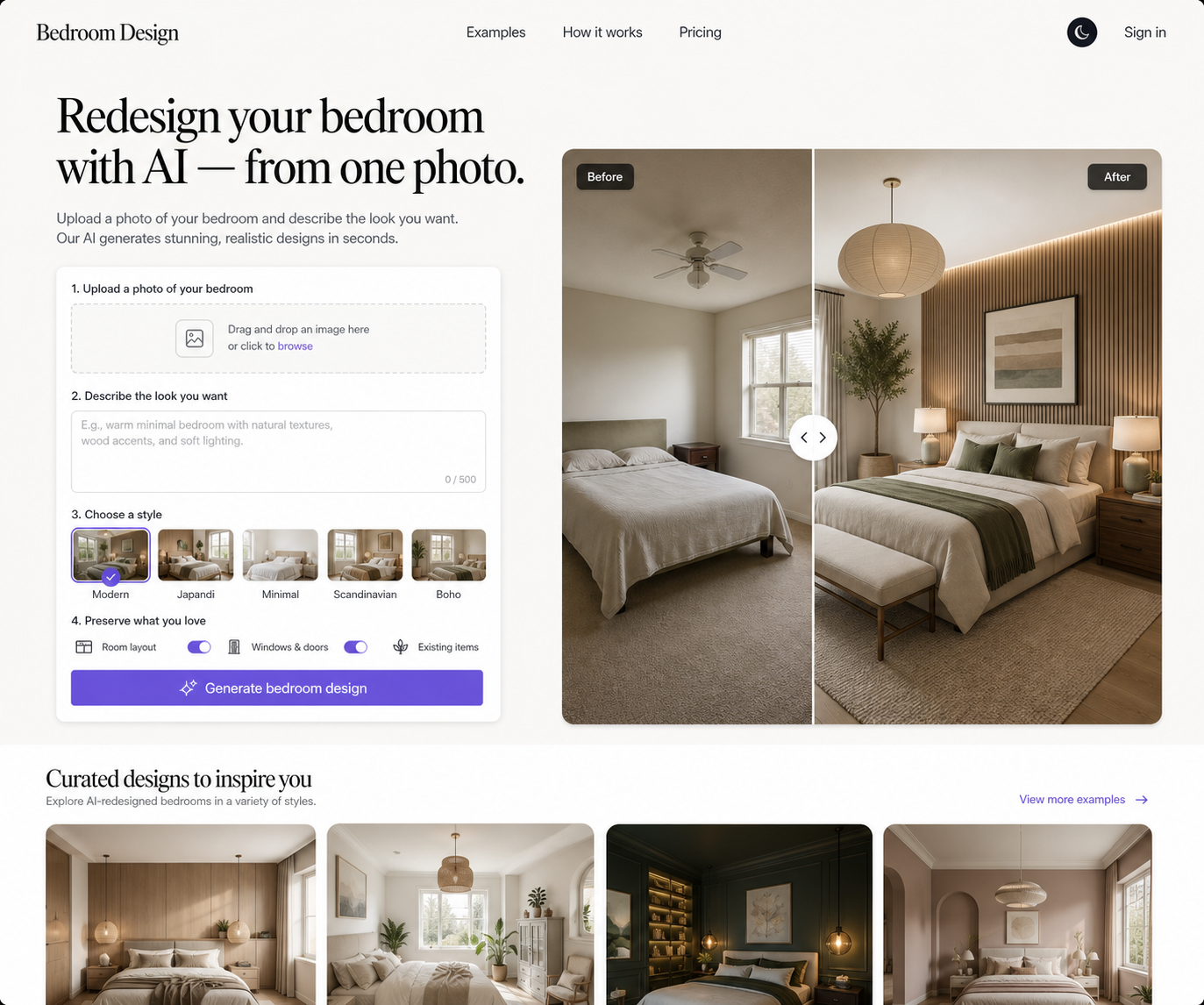
Prototype privacy note: real retention, deletion, and provider-transfer disclosures are backend launch items.